

Procurement / 03
Commercial technology supply at the quantity the business requires.
Once a standard package is agreed, repeating it is a question of quantity, availability and timing rather than a fresh specification exercise every time.
- STANDARD PACKAGE
- QTY
- AVAILABILITY
- TIMEFRAME
Typical requirements
When quantity becomes the question.
Multi-unit requirements are rarely about buying in bulk for its own sake. They come from something operational: people joining, a team growing, a location opening or a group of machines reaching the end of their useful life.
- NEW STAFF Equipment needed for people joining, usually against a known start date.
- OFFICE EXPANSION Additional positions in an existing space.
- DEPARTMENT GROWTH A team outgrowing the equipment it was originally set up with.
- REPLACEMENT PROGRAMMES A planned change across a defined group of users.
- EQUIPMENT REFRESH Bringing a group of positions up to a current standard.
- STANDARDISED WORKSTATION PACKAGES One agreed build, repeated as many times as required.
- MULTI-SITE REQUIREMENTS Where applicable, the same requirement across more than one location.

Why standardise
Specify once. Repeat with confidence.
A standard package is not about restricting choice. It is about removing the same decision from every future order.
-
ONE SPECIFICATION
The difficult work happens once, not for every order.
-
CONSISTENCY
Positions that match are easier to support and easier to replace.
-
CLEAR QUANTITY
A defined package makes the quantity question straightforward.
-
PREDICTABLE REPEAT
The next order is a quantity change, not a new exercise.
Text version: reasons to standardise
ONE SPECIFICATION: The difficult work happens once, not for every order. CONSISTENCY: Positions that match are easier to support and easier to replace. CLEAR QUANTITY: A defined package makes the quantity question straightforward. PREDICTABLE REPEAT: The next order is a quantity change, not a new exercise.
Multi-unit supply
Specify once. Procure at the quantity the business requires.
Once a standard package is agreed, the difficult part is done. Repeating it is a question of quantity, availability and timing rather than a new specification exercise each time.
- NEW STARTERS Equipment needed for people joining.
- DEPARTMENT EXPANSION A team growing beyond its current equipment.
- OFFICE OPENING A location that needs equipping from nothing.
- REFRESH PROGRAMME A planned replacement across a group of users.
- MULTI-UNIT REPLACEMENT The same item required several times over.
- STANDARD WORKSTATION PACKAGE One agreed build, repeated.

Quantity planning
Illustrative quantity planning — not pricing
- 10 USERS By enquiry
A single team or department.
- 25 USERS By enquiry
A floor, function or new location.
- 50 USERS By enquiry
A larger programme, usually phased.
- CUSTOM QUANTITY By enquiry
Whatever the business actually requires.
The blocks above represent units of a standard package for planning purposes only. There is no pricing, discount structure, stock allocation or availability commitment associated with any quantity shown.
Text version: quantity planning
Four illustrative planning tiers are shown, each marked "by enquiry": 10 users (a single team or department), 25 users (a floor, function or new location), 50 users (a larger programme, usually phased) and a custom quantity (whatever the business actually requires). Quantity blocks are a planning visual only and carry no pricing, discount or stock meaning.

Standard package
The package that gets repeated.
A multi-unit order is the same line-item view, multiplied. Agreeing the elements once is what makes the quantity conversation simple.
Workstation package — line items
Illustrative package — final equipment subject to quotation
Quantities, models, specifications and lead times are confirmed individually. Nothing shown here is priced, held in stock or reserved.
Text version: illustrative workstation package
Nine package elements are listed with a reference, requirement description, indicative quantity and review status: PKG-01 compute (1, by enquiry); PKG-02 display (1–3, by enquiry); PKG-03 dock (0–1, to review); PKG-04 input set (1, by enquiry); PKG-05 audio (0–1, to review); PKG-06 camera (0–1, to review); PKG-07 storage (by requirement, to review); PKG-08 connectivity (to review); PKG-09 accessories (by requirement, by enquiry).
Quantity in context
-

Equipment being prepared -

A position set up for a new user -

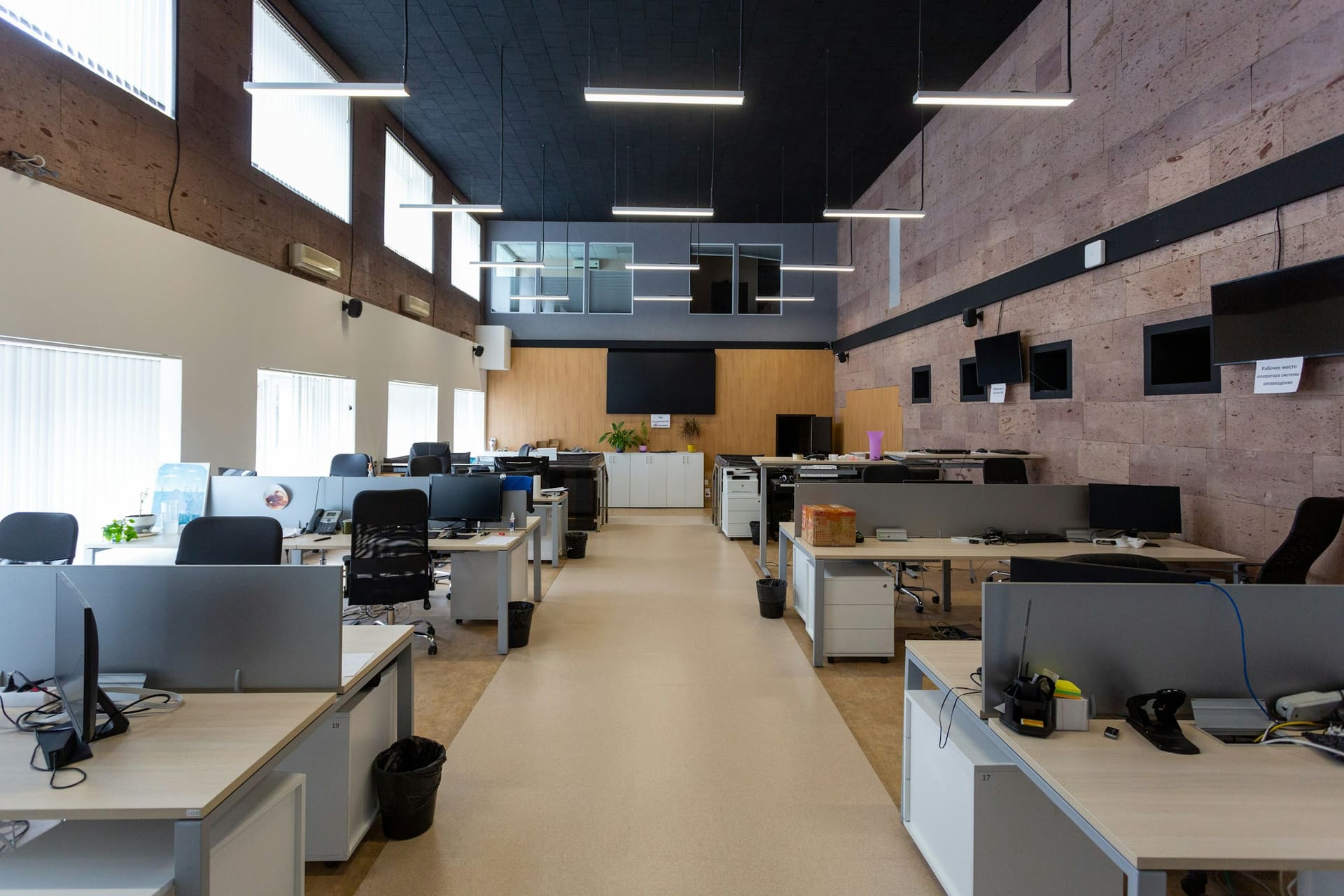
A floor of equipped positions

Technology enquiry
How many positions need equipping?
Quantity, the standard package if one exists, the timeframe and the delivery postcode are the useful details.
- QTY
- PACKAGE
- ROLES
- TIMEFRAME
- POSTCODE
- BUDGET