
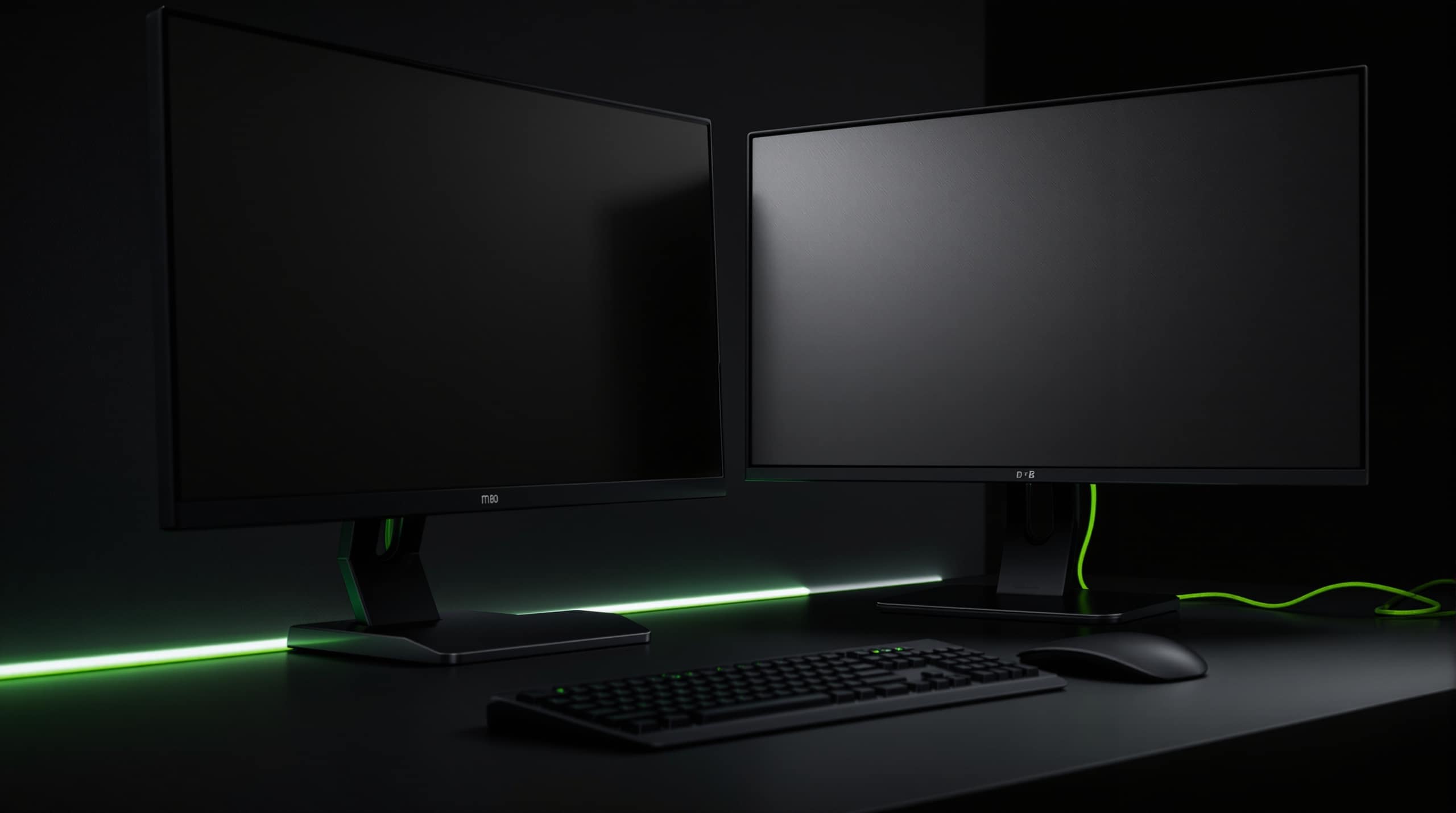
Technology / 02
Build the workstation as a system.
A working position is a set of items that have to cooperate. Specified together, they arrive together and work on day one. Specified separately, something is always missing.
- COMPUTE
- DISPLAY
- DOCK
- INPUT
- AUDIO
- CONNECTIVITY
Equipment stack
Ten elements in a complete position.
Not every position needs all ten. The value is in deciding which ones apply before the order is placed rather than three weeks afterwards.
- COMPUTE The device the role runs on.
- DISPLAY One screen or several, sized to the desk.
- DOCK Where a single connection has to carry everything.
- KEYBOARD Layout, wired or wireless, shared or personal.
- MOUSE Precision and comfort over a full working day.
- HEADSET Call quality in an open or shared office.
- CAMERA Where the built-in option is not sufficient.
- STORAGE Local, external or centrally held.
- POWER / ADAPTERS Supply, spares and interface conversion.
- CONNECTIVITY Wired, wireless and everything in between.
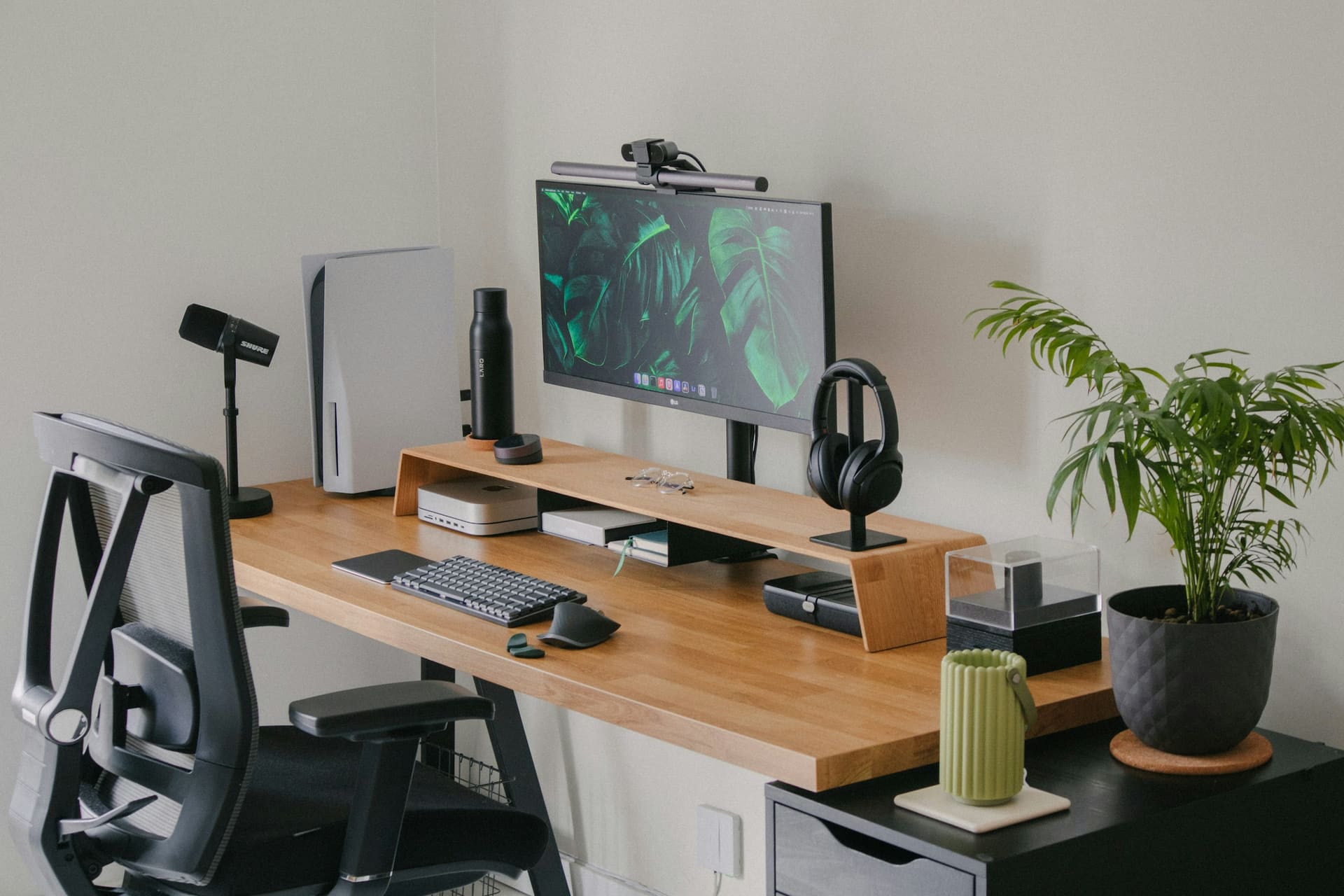
Illustrative package
One role. One requirement. One coordinated equipment package.
The line-item view below is how a package is actually discussed: element by element, with quantity and review status against each. No models and no prices appear until a quotation is issued.
Workstation package — line items
Illustrative package — final equipment subject to quotation
Quantities, models, specifications and lead times are confirmed individually. Nothing shown here is priced, held in stock or reserved.
Text version: illustrative workstation package
Nine package elements are listed with a reference, requirement description, indicative quantity and review status: PKG-01 compute (1, by enquiry); PKG-02 display (1–3, by enquiry); PKG-03 dock (0–1, to review); PKG-04 input set (1, by enquiry); PKG-05 audio (0–1, to review); PKG-06 camera (0–1, to review); PKG-07 storage (by requirement, to review); PKG-08 connectivity (to review); PKG-09 accessories (by requirement, by enquiry).
Use profiles
Five common starting points
These are profiles, not products. Each one changes which elements of the stack matter and which can be left out — the specific models are decided per enquiry.
-

OFFICE
A fixed desk with predictable software and a stable connection. Usually the simplest package to standardise across a team.
-

HYBRID
Two working locations, one user. Docking, portability and a consistent experience in both places drive the specification.
-
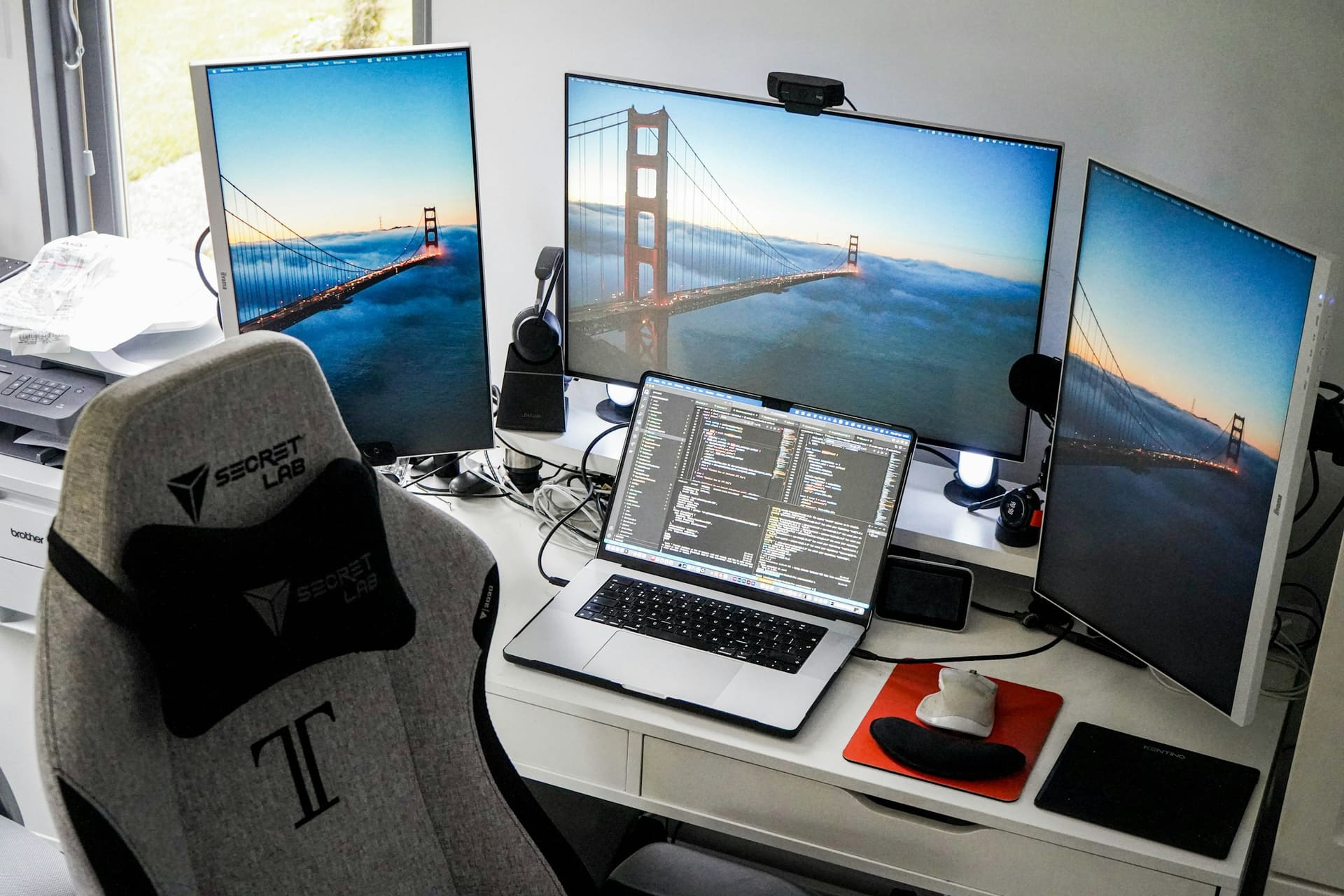
CREATIVE
Where display behaviour, colour requirements and peripheral choice matter as much as the machine itself.
-
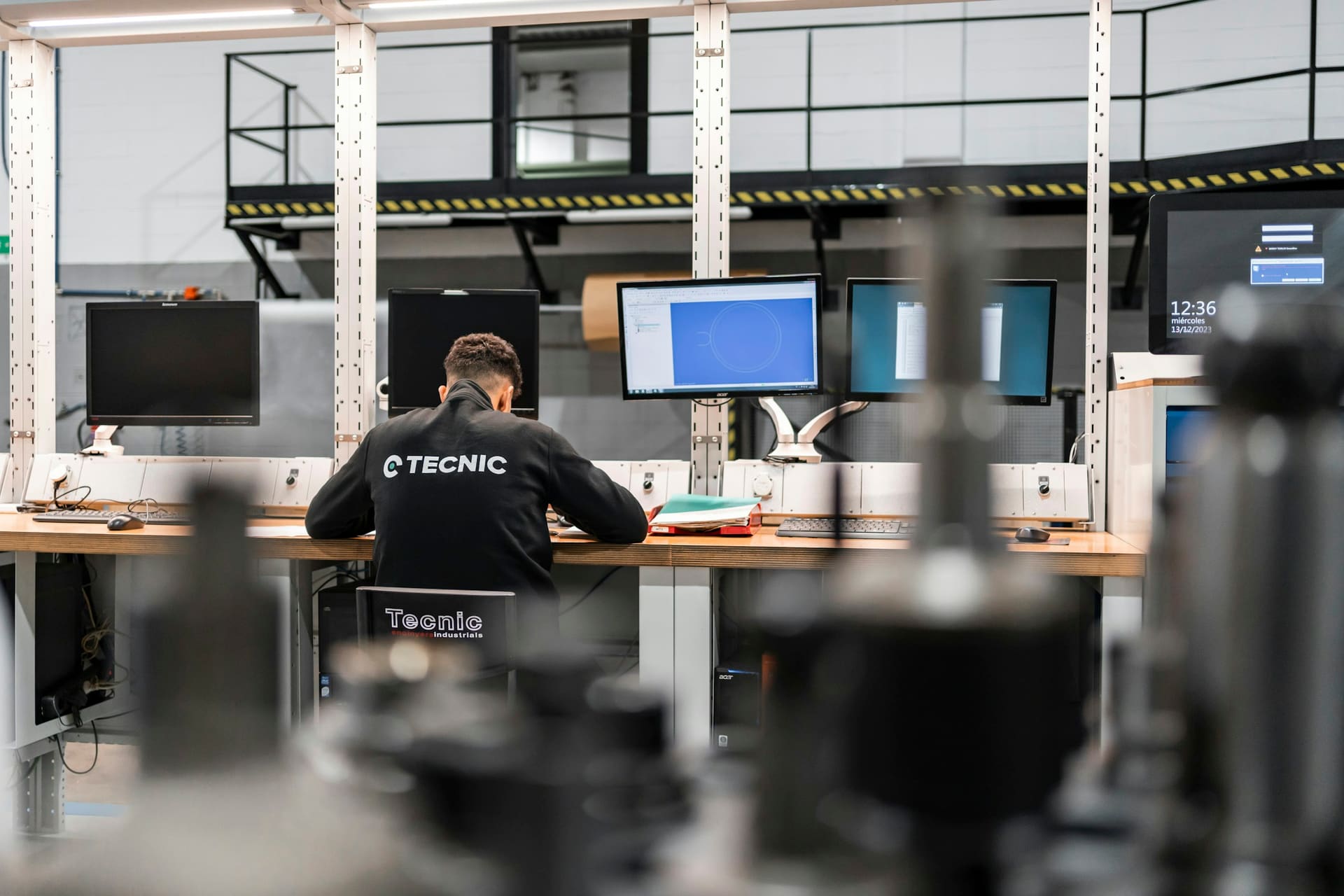
TECHNICAL
Applications with published minimum requirements, sustained load and often more than one screen.
-
EXECUTIVE
Mobility, call quality and reliability, with the peripheral set arranged around frequent meetings.
Text version: use profiles
OFFICE: A fixed desk with predictable software and a stable connection. Usually the simplest package to standardise across a team. HYBRID: Two working locations, one user. Docking, portability and a consistent experience in both places drive the specification. CREATIVE: Where display behaviour, colour requirements and peripheral choice matter as much as the machine itself. TECHNICAL: Applications with published minimum requirements, sustained load and often more than one screen. EXECUTIVE: Mobility, call quality and reliability, with the peripheral set arranged around frequent meetings.
Peripheral ecosystem
The smaller components still have to fit the system.
Adapters, cables and docks are the items most often left off a requirement — and the items most likely to stop a new machine being usable on day one.
- compatibility
- connectivity
- role
- working style
- port requirements
- device compatibility
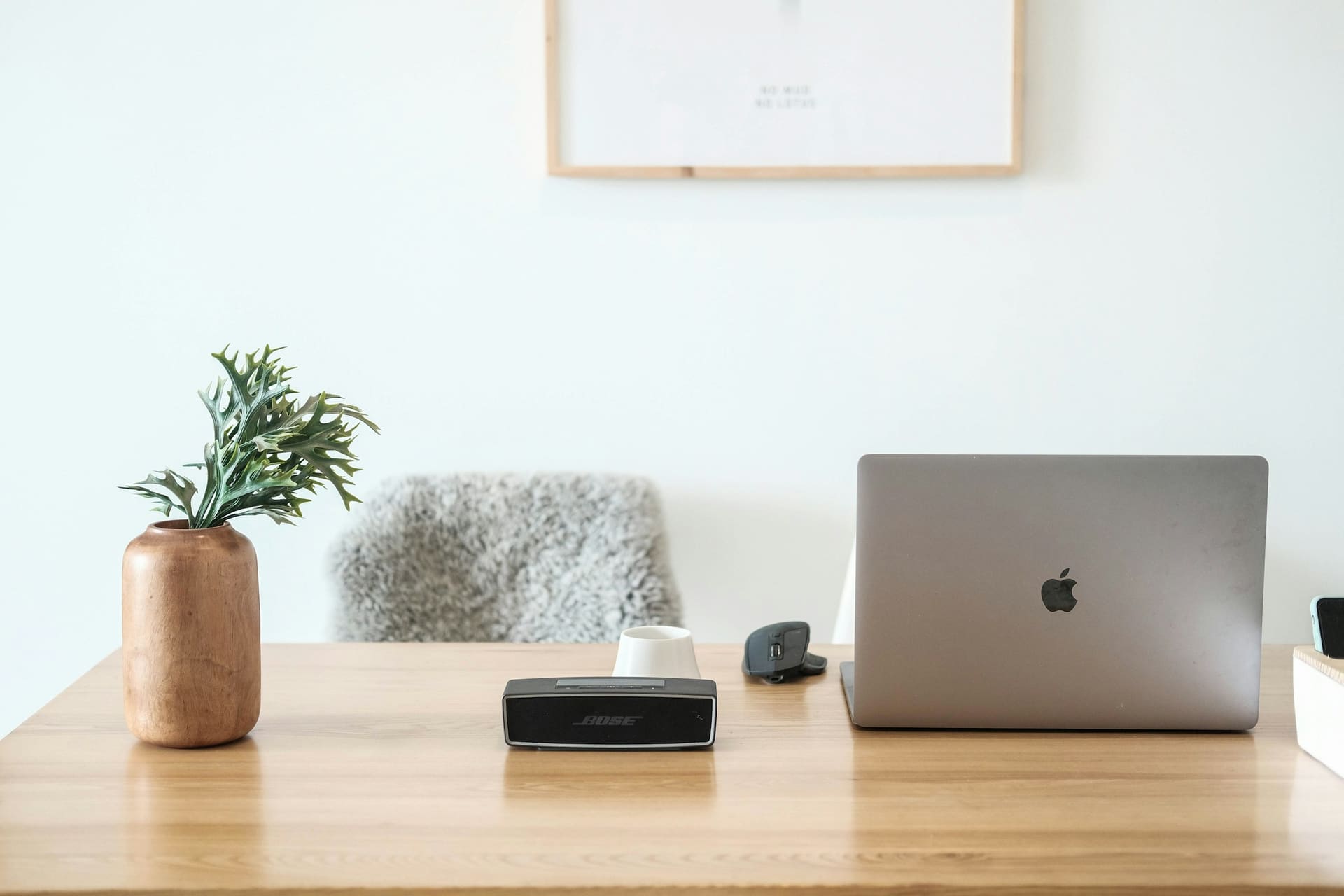
- KEYBOARD Layout, wired or wireless
- MOUSE Grip, precision, hand
- DOCK Ports the device lacks
- HEADSET Calls and shared offices
- WEBCAM Where not built in
- SPEAKERS Shared or personal audio
- STORAGE External capacity
- ADAPTERS Interface conversion
- CABLES Length, standard, routing
Text version: peripheral ecosystem
A radial diagram places USER at the centre — defined by role, environment and working style — with nine connected peripherals around it: keyboard (layout, wired or wireless), mouse (grip, precision, hand), dock (ports the device lacks), headset (calls and shared offices), webcam (where not built in), speakers (shared or personal audio), storage (external capacity), adapters (interface conversion) and cables (length, standard, routing).
Technology enquiry
Describe the role. We will describe the package.
Tell us what the position has to do, how many of them there are and what they connect to.
- ROLE
- COMPUTE
- DISPLAY
- PERIPHERALS
- QTY
- TIMEFRAME