
Technology / 05
Network hardware selected for the environment it connects.
Routers, switching, wireless, gateways, controllers and connectivity hardware — chosen around port count, speed, device count and the physical space they have to live in.
- ROUTERS
- SWITCHING
- WIRELESS
- GATEWAYS
- FIBRE
Coverage
Equipment, supplied — not installed.
RenewIT Systems supplies networking hardware. Design consultancy, installation, cabling works, configuration and commissioning are separate activities and are not included with a supply arrangement.
- ROUTERS Edge devices handling the incoming service.
- SWITCHES Port density, speed and uplink capability for the site.
- ACCESS POINTS Wireless coverage matched to layout and device count.
- GATEWAYS Where routing, filtering and connectivity are combined.
- CONTROLLERS Central management hardware for wireless estates.
- FIBRE EQUIPMENT Transceivers and hardware for fibre links.
- CONNECTIVITY HARDWARE Patching, cabling and the parts in between.
Selection dimensions
Eight dimensions that size the hardware.
Network equipment is usually over-specified in one dimension and under-specified in another. Working through all eight avoids both.
-
PORT COUNT
How many wired connections the site genuinely needs, plus headroom.
-
SPEED
Per-port speed against what the connected equipment can use.
-
UPLINK
The link between switches, and whether it is the bottleneck.
-
WIRELESS
Coverage, density and the number of devices per area.
-
DEVICE COUNT
Everything that connects — not just the computers.
-
POE WHERE REQUIRED
Power budget for cameras, phones and access points.
-
PHYSICAL ENVIRONMENT
Cabinet space, depth, ventilation and noise.
-
COMPATIBILITY
What the new hardware has to sit alongside.
Text version: selection dimensions
PORT COUNT: How many wired connections the site genuinely needs, plus headroom. SPEED: Per-port speed against what the connected equipment can use. UPLINK: The link between switches, and whether it is the bottleneck. WIRELESS: Coverage, density and the number of devices per area. DEVICE COUNT: Everything that connects — not just the computers. POE WHERE REQUIRED: Power budget for cameras, phones and access points. PHYSICAL ENVIRONMENT: Cabinet space, depth, ventilation and noise. COMPATIBILITY: What the new hardware has to sit alongside.
Connectivity hardware
Build the connection path.
Every device on the diagram below changes the requirement for the one above it. Port count, speed, uplink and wireless density are decided by what is actually connecting — not by the size of the building.
Connection path
- WAN Incoming service
- GATEWAY Routing and edge
- SWITCHING Port count and speed
- WIRELESS Coverage and density
- ENDPOINT Devices in use
- SERVER Uplink requirement
- STORAGE Throughput requirement
- MEETING ROOM Room connectivity
- WORKSTATIONS Device count
Text version: connection path
A vertical spine runs top to bottom: WAN (incoming service), GATEWAY (routing and edge), SWITCHING (port count and speed), WIRELESS (coverage and density) and ENDPOINT (devices in use).
Four branches connect off that spine: SERVER (uplink requirement), STORAGE (throughput requirement), MEETING ROOM (room connectivity) and WORKSTATIONS (device count). The topology is conceptual context for product selection.
Connectivity in context
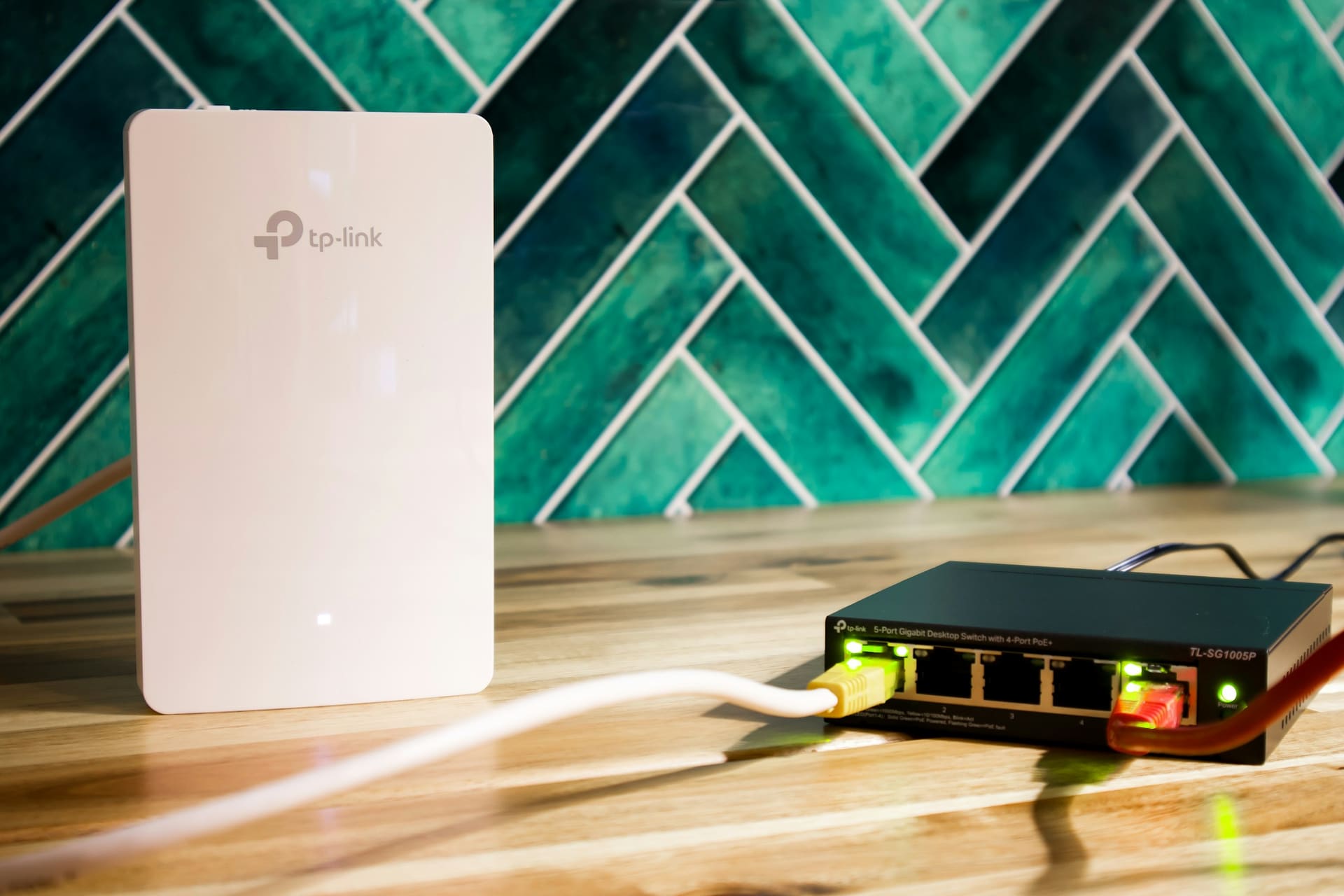
-
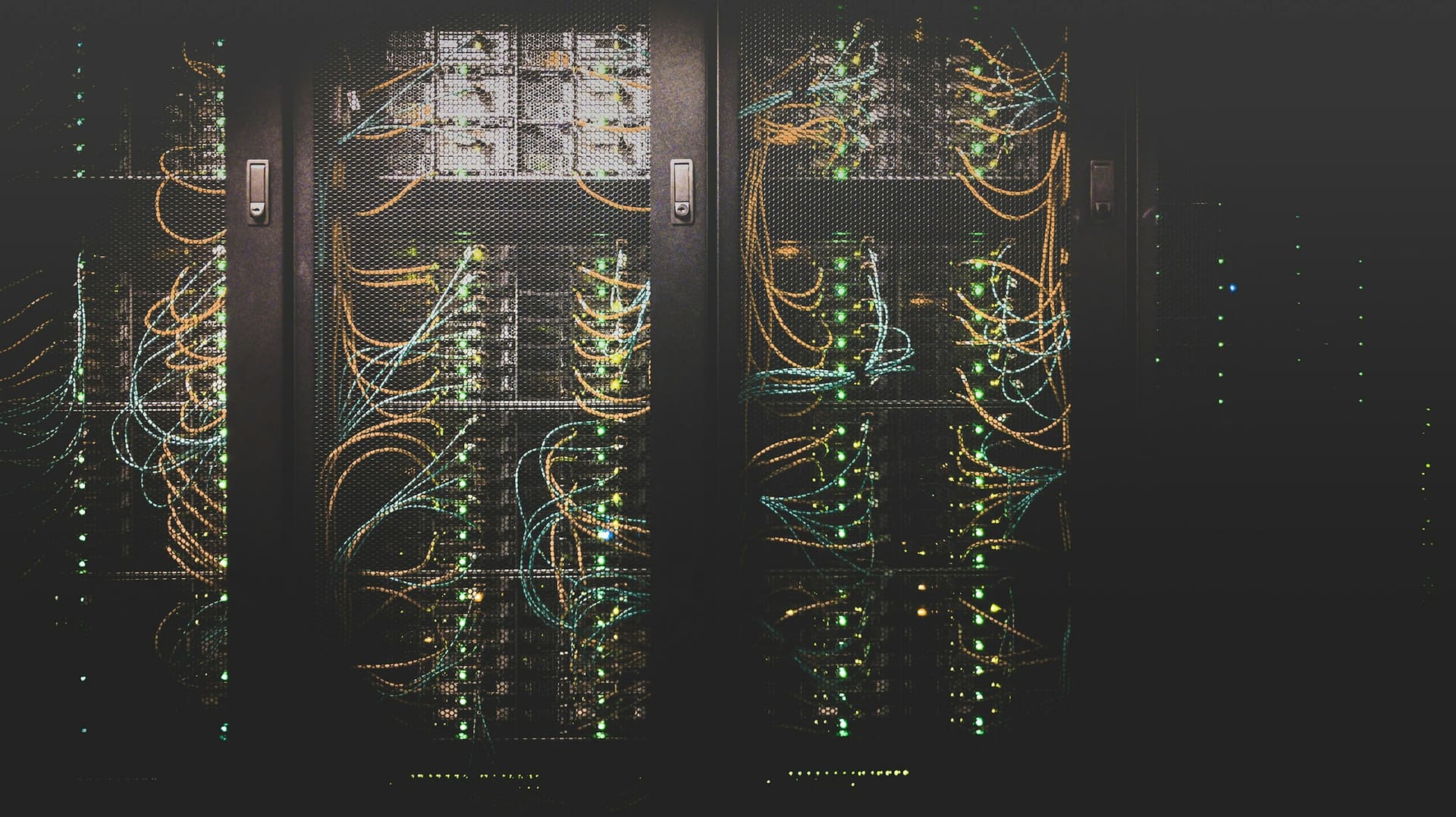
Structured infrastructure -
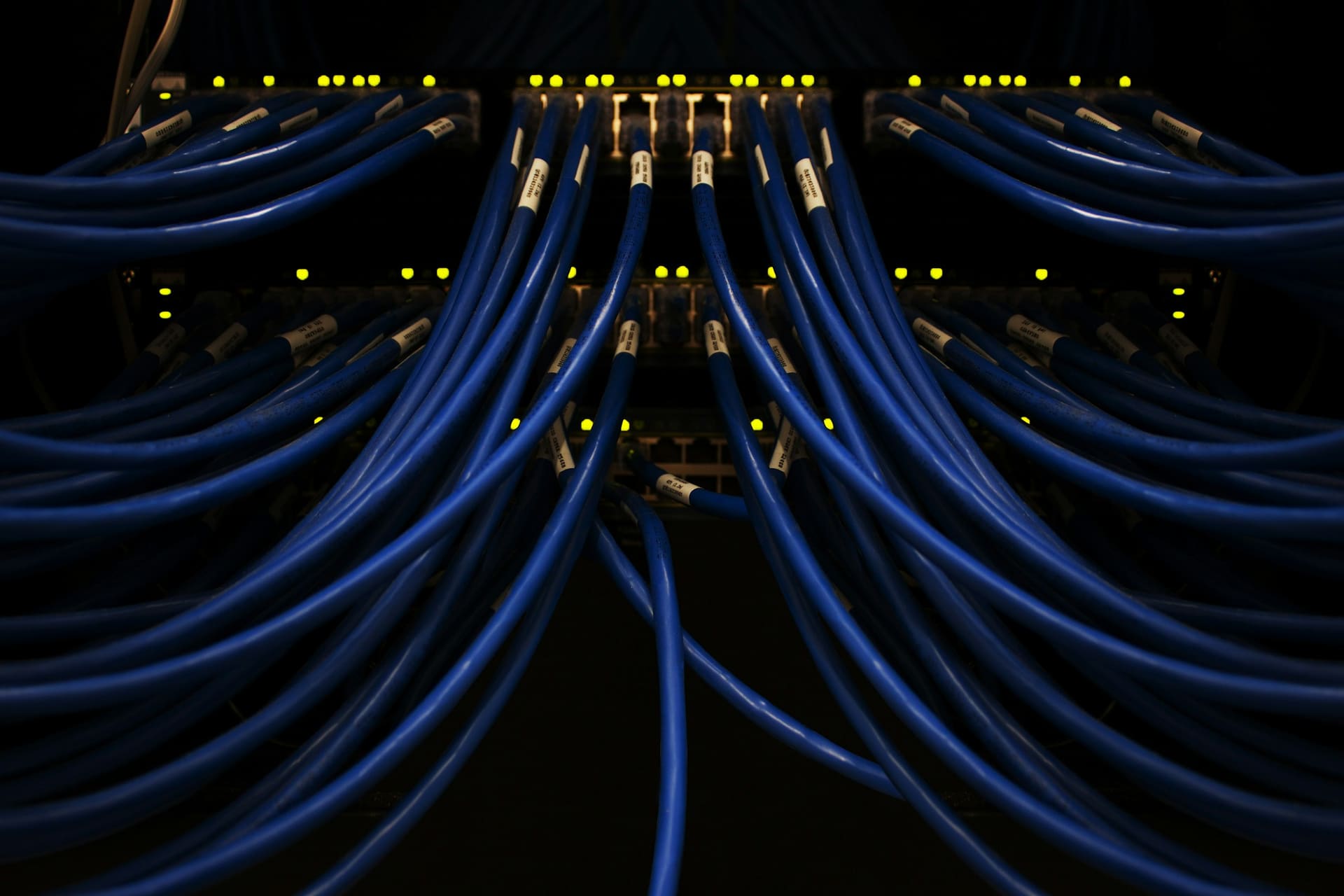
Patching and termination -
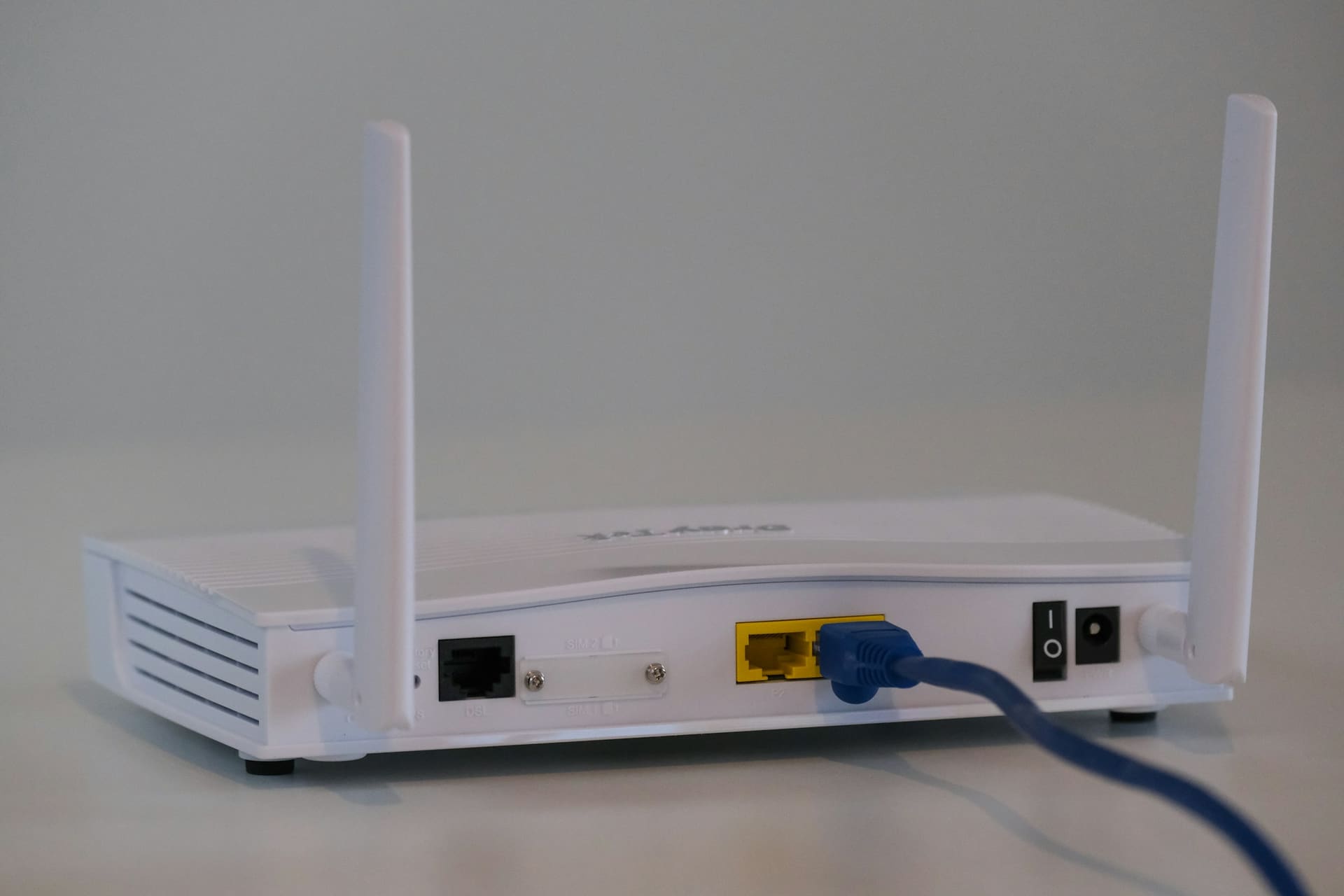
Edge connectivity

Technology enquiry
Tell us what has to connect.
Device count, port requirement, wireless coverage and the existing cabinet are usually enough to begin.
- PORTS
- SPEED
- WIRELESS
- DEVICE COUNT
- POE
- QTY